
Ready to use this tool now?
Execute operations 100% locally in your browser with zero file uploads and instant results.
Step-by-Step Operational Instructions
Follow the verified workflow below to operate the QuickRectify Complete Step-by-Step Guide: Auditing Resumes for ATS Scanners engine with complete precision and security.
Upload Your PDF Resume
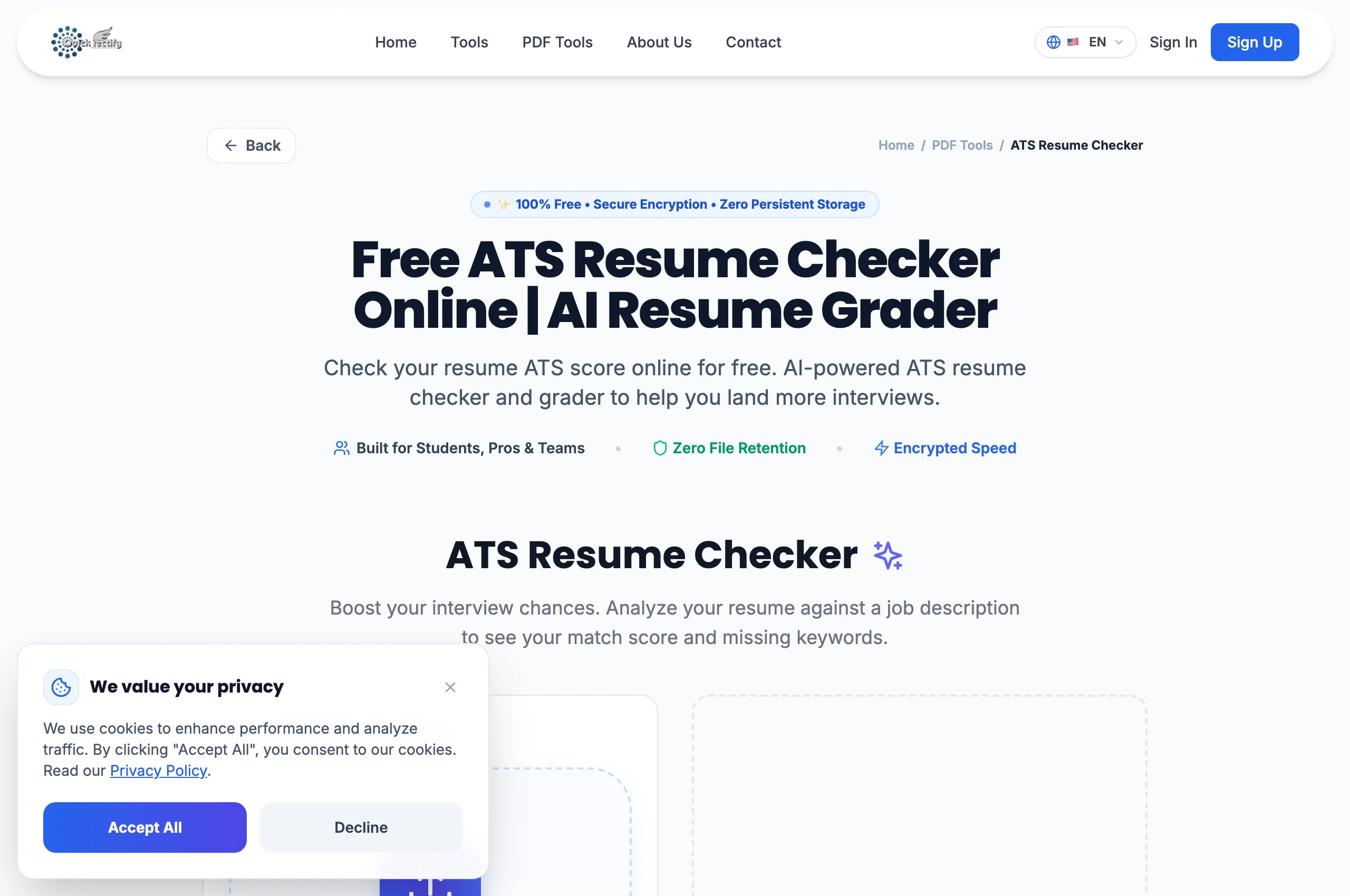
Open the ATS Resume Checker and upload your CV. The parsing engine reads the underlying text layer exactly as an enterprise ATS scanner does.
Review Parsing Score & Formatting Diagnostics
Examine your ATS compatibility score (0-100%). Review diagnostic checks for header accessibility, font standard conformance, date format standardizations, and contact information recognition.
Optimize and Re-Verify
Implement the actionable recommendations: simplify complex graphic tables into clean bulleted lists and ensure standard headings are used. Re-upload to achieve a top-tier score.
Troubleshooting Common Operational Issues
• My ATS score is very low despite having great work experience.
Your resume may have been designed in Photoshop, Canva, or Illustrator as an image without an underlying extractable text stream. Export from Word or Google Docs as a text-first PDF.
Security & Client-Side Sandbox Guarantee
Your resume contains sensitive phone numbers, addresses, and employment history. QuickRectify inspects resumes 100% locally in browser memory without sending data to recruiters or third-party servers.