
⚡ Free Online Utility
Need to PDF to Word Converter right now?

Skip the tutorial and process your documents directly in your browser with zero file uploads, no sign-up, and 100% privacy.

Convert PDF to Word Free →
Tool Walkthroughs 5 min read Updated September 2026

Complete Step-by-Step Guide: Converting PDF to Editable Word DOCX

Turn locked PDF documents into fully editable Microsoft Word DOCX files while preserving complex tables, columns, font styling, and inline images.

Rahul Das
Rahul Das
Lead Document Systems Architect
← Back to Guides
Key Takeaways & Summary
  • ✓ Extracts structured text streams, rebuilding flowable paragraphs, bullet points, and tabbed tables.
  • ✓ Preserves original raster images, diagrams, and corporate branding elements in native DOCX format.
  • ✓ Operates locally in your browser so confidential HR documents and financial audits stay private.
Interactive WebAssembly Tool

Ready to use this tool now?

Execute operations 100% locally in your browser with zero file uploads and instant results.

Open PDF TO WORD →

Step-by-Step Operational Instructions

Follow the verified workflow below to operate the QuickRectify Complete Step-by-Step Guide: Converting PDF to Editable Word DOCX engine with complete precision and security.

1

Select the Source PDF Document

Open the PDF to Word converter. Drag your PDF file into the dropzone or click "Select PDF files". The parser analyzes the file stream to identify text operators and raster content.
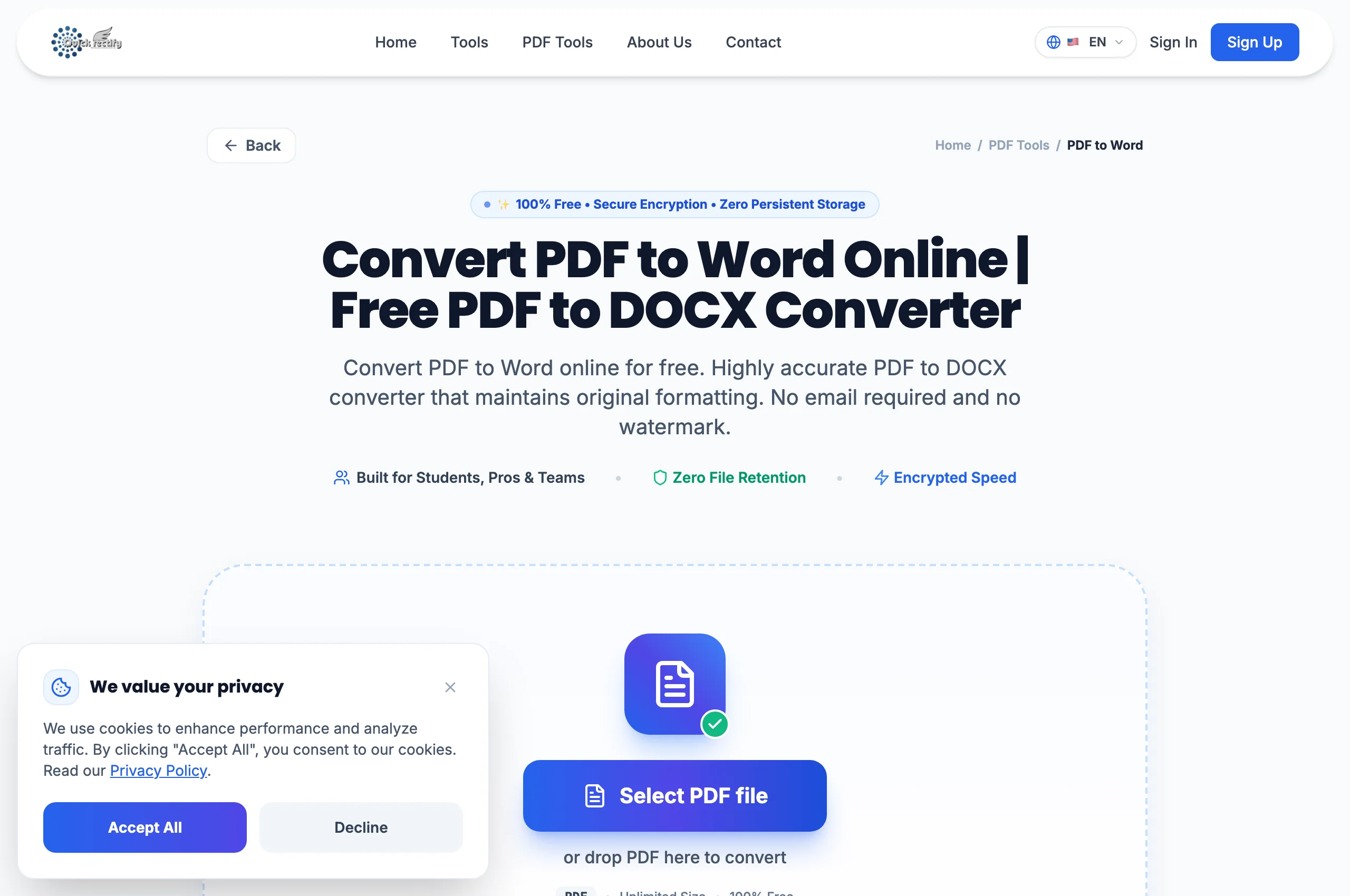
PDF to Word document staging and layout analysis interface.
Figure 1: PDF to Word document staging and layout analysis interface.
⚠
Pro Tip: For scanned documents consisting purely of image photos, use the OCR PDF tool first to ensure text layers are recognized before DOCX conversion.
2

Initiate Layout Reconstruction

Click "Convert to Word". The conversion engine calculates typographic bounding boxes, line baselines, column gutters, and table boundaries to map fixed PDF coordinates into flowable DOCX paragraphs.

Automated typographic mapping and table grid reconstruction.
Figure 2: Automated typographic mapping and table grid reconstruction.
⚠
Pro Tip: The engine automatically maps missing system fonts to universal metric-compatible typography (such as Arial or Times New Roman).
3

Download and Edit in Microsoft Word

Within seconds, your finalized `.docx` file is ready for download. Open the document in Microsoft Word, Google Docs, or LibreOffice and begin typing or modifying text immediately.

Completed conversion ready for instant download and native editing.
Figure 3: Completed conversion ready for instant download and native editing.
⚠
Pro Tip: All tables in the generated Word document remain native editable tables — not static frozen images.

Troubleshooting Common Operational Issues

• Text in the downloaded Word file cannot be highlighted or edited.

The original PDF was a scanned physical document where pages are full-page bitmap pictures rather than selectable text. Run the document through QuickRectify OCR PDF first.

Security & Client-Side Sandbox Guarantee

Zero-Knowledge Processing Architecture

Proprietary employment agreements, resume templates, and corporate reports remain 100% confidential without third-party server exposure.

Direct Access

Launch How to Convert PDF to Word

Open Tool →
Verified Answers

Frequently Asked Questions

Can I convert Word back to PDF after finishing my edits?

Yes. QuickRectify provides a corresponding Word to PDF tool that converts your updated DOCX file back into an archival-standard PDF in one click.

QuickRectify In-Browser Engine

Ready to Take Action on Your Documents?

Experience zero-upload client-side WebAssembly processing. Convert, compress, merge, and edit with guaranteed privacy.

Free Online Utility: PDF to Word Converter

Convert PDF to Word Free →