
Ready to use this tool now?
Execute operations 100% locally in your browser with zero file uploads and instant results.
Step-by-Step Operational Instructions
Follow the verified workflow below to operate the QuickRectify Complete Step-by-Step Guide: Free Online PDF Editing & Annotation engine with complete precision and security.
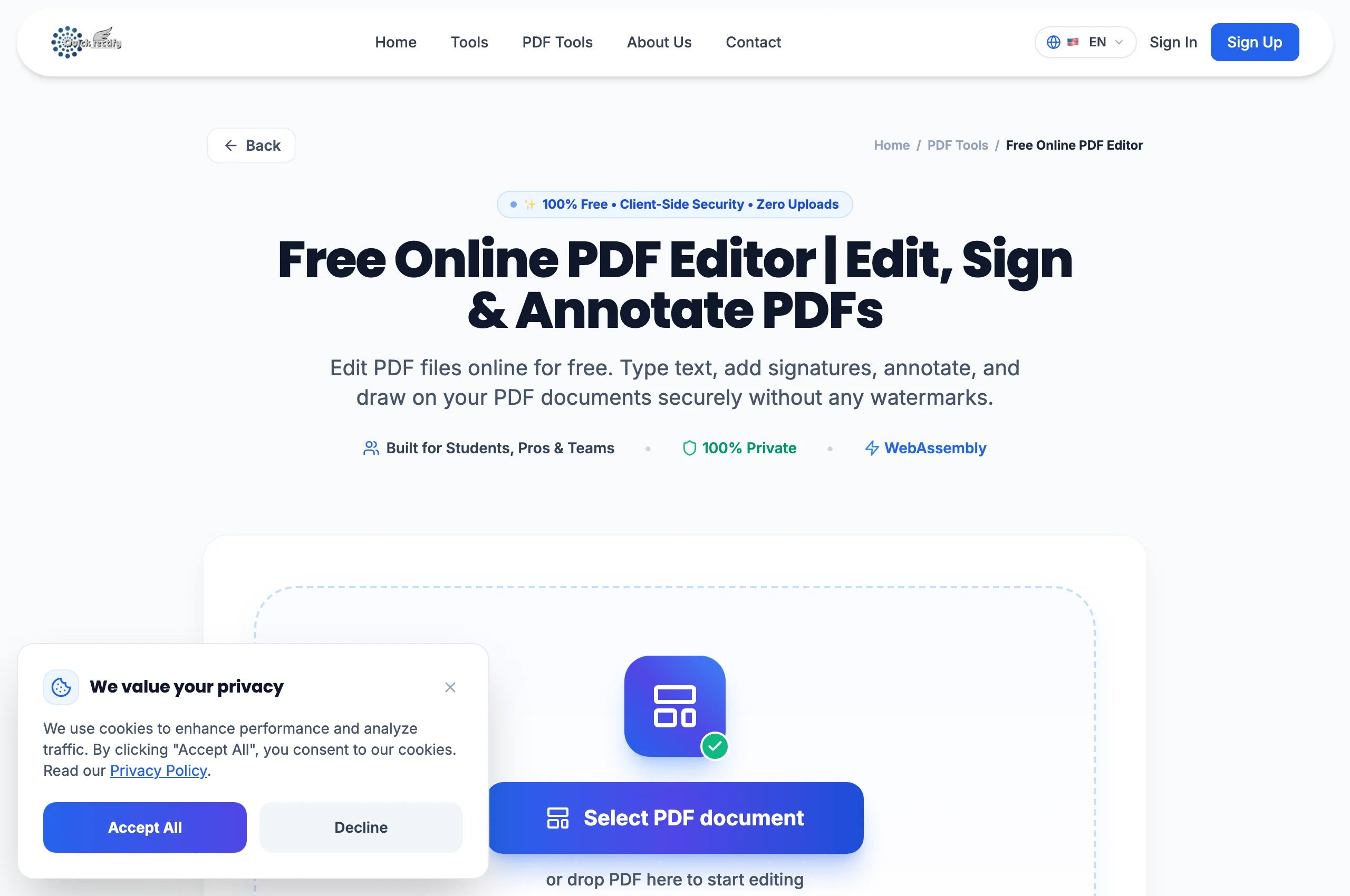
Open Document in the PDF Editor
Launch the Edit PDF tool and select your file. The editor renders high-resolution page viewports with pan, zoom, and navigation thumbnails.
Add Annotations, Text, or Graphic Stamps
Select the "Text" tool from the top toolbar to click anywhere on the page and start typing. Use the "Highlight" tool to tint background text or "Draw" to mark corrections by hand.
Export and Download the Edited Document
Click "Export Edited PDF". The engine compiles your annotation layers directly into the native PDF object dictionary and triggers an immediate local download.
Troubleshooting Common Operational Issues
• Can I delete pre-existing printed text inside an existing PDF?
Standard PDF editing allows adding annotations and overlays. To completely redact or wipe pre-existing confidential text, use the dedicated QuickRectify Redact PDF tool.
Security & Client-Side Sandbox Guarantee
Zero cloud transit: your edited documents remain completely inside your private browser session.