
⚡ Free Online Utility
Need to Protect & Encrypt PDF right now?

Skip the tutorial and process your documents directly in your browser with zero file uploads, no sign-up, and 100% privacy.

Protect PDF Online Free →
Tool Walkthroughs 5 min read Updated September 2026

Complete Step-by-Step Guide: Password Protecting & Encrypting PDFs

Protect sensitive payrolls, confidential HR records, and intellectual property with standard AES-256 bit encryption over HTTPS with immediate file deletion.

Rahul Das
Rahul Das
Lead Document Systems Architect
← Back to Guides
Key Takeaways & Summary
  • ✓ Applies genuine AES-256 standard encryption conforming to ISO 32000-1 specifications.
  • ✓ Enforces strong document open passwords.
  • ✓ Your document and password are sent over HTTPS to our server only to encrypt it, and deleted when processing finishes. Passwords are never logged.
Interactive WebAssembly Tool

Ready to use this tool now?

Execute operations 100% locally in your browser with zero file uploads and instant results.

Open PROTECT PDF →

Step-by-Step Operational Instructions

Follow the verified workflow below to operate the QuickRectify Complete Step-by-Step Guide: Password Protecting & Encrypting PDFs engine with complete precision and security.

1

Upload the PDF to Encrypt

Navigate to the Protect PDF tool. Drag and drop your unencrypted document into the dropzone. QuickRectify verifies the file format.
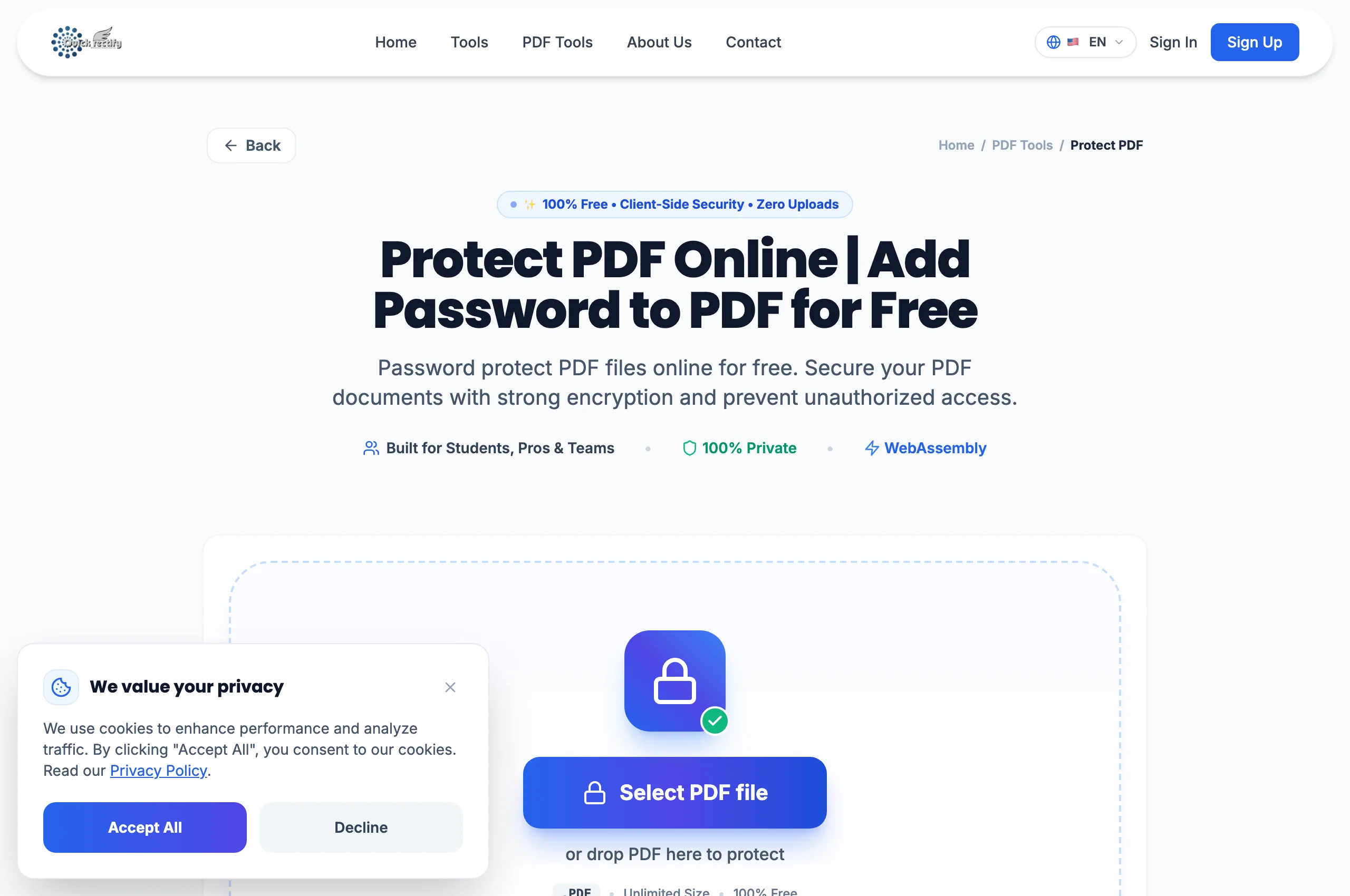
Protect PDF tool workspace with secure cryptographic initialization.
Figure 1: Protect PDF tool workspace with secure cryptographic initialization.
⚠
Pro Tip: Ensure you retain a backup copy of your unencrypted master file in a secure vault before setting passwords.
2

Set a Strong Password & Confirm Credentials

Enter your desired password into the encryption field and confirm it.

Setting robust AES-256 encryption password.
Figure 2: Setting robust AES-256 encryption password.
⚠
Pro Tip: Aim for at least 14 characters including upper and lower case letters, numbers, and symbols for robust resistance against offline dictionary attacks.
3

Encrypt and Download Locked PDF

Click "Protect PDF". The document is encrypted with standard AES-256 and downloaded. Source files are deleted after processing finishes.

Successfully encrypted PDF ready for restricted distribution.
Figure 3: Successfully encrypted PDF ready for restricted distribution.
⚠
Pro Tip: When recipients open the encrypted file in Adobe Acrobat, Apple Preview, or Chrome, they must enter the password to view any page.

Troubleshooting Common Operational Issues

• Can QuickRectify recover a forgotten password for an encrypted PDF?

No. Because standard AES-256 cryptographic keys are applied, forgotten passwords cannot be retrieved.

Security & Client-Side Sandbox Guarantee

Zero-Knowledge Processing Architecture

Your document and password are sent over HTTPS only to encrypt it, and deleted immediately when processing completes. Passwords are never logged.

Direct Access

Launch How to Password Protect PDF

Open Tool →
Verified Answers

Frequently Asked Questions

Does this encryption meet GDPR and HIPAA transmission standards?

Yes. AES-256 encryption applied via QuickRectify complies with NIST and international privacy frameworks for securing sensitive data at rest and in transit.

QuickRectify In-Browser Engine

Ready to Take Action on Your Documents?

Experience zero-upload client-side WebAssembly processing. Convert, compress, merge, and edit with guaranteed privacy.

Free Online Utility: Protect & Encrypt PDF

Protect PDF Online Free →