
⚡ Free Online Utility
Need to Redact PDF Sensitively right now?

Skip the tutorial and process your documents directly in your browser with zero file uploads, no sign-up, and 100% privacy.

Redact PDF Online Free →
Tool Walkthroughs 5 min read Updated September 2026

Complete Step-by-Step Guide: Permanent, Irreversible PDF Redaction

Learn how to black out Social Security numbers, bank accounts, and confidential names with guaranteed byte-level sanitization so sensitive text cannot be highlighted or recovered.

Rahul Das
Rahul Das
Lead Document Systems Architect
← Back to Guides
Key Takeaways & Summary
  • ✓ Draw black redaction boxes over sensitive records with pixel-level precision.
  • ✓ Underlying text strings, font glyph streams, and invisible OCR layers are completely stripped from the document byte array.
  • ✓ Avoid the classic "Manafort mistake" where vector overlays leave underlying text searchable with Ctrl+F.
  • ✓ Operates 100% in your local browser sandbox to maintain attorney-client and medical HIPAA privacy.
Interactive WebAssembly Tool

Ready to use this tool now?

Execute operations 100% locally in your browser with zero file uploads and instant results.

Open REDACT PDF →

Step-by-Step Operational Instructions

Follow the verified workflow below to operate the QuickRectify Complete Step-by-Step Guide: Permanent, Irreversible PDF Redaction engine with complete precision and security.

1

Load the Document into the Redaction Canvas

Open the Redact PDF tool and load the confidential record. The high-resolution canvas displays each page with full zoom and pan capabilities.
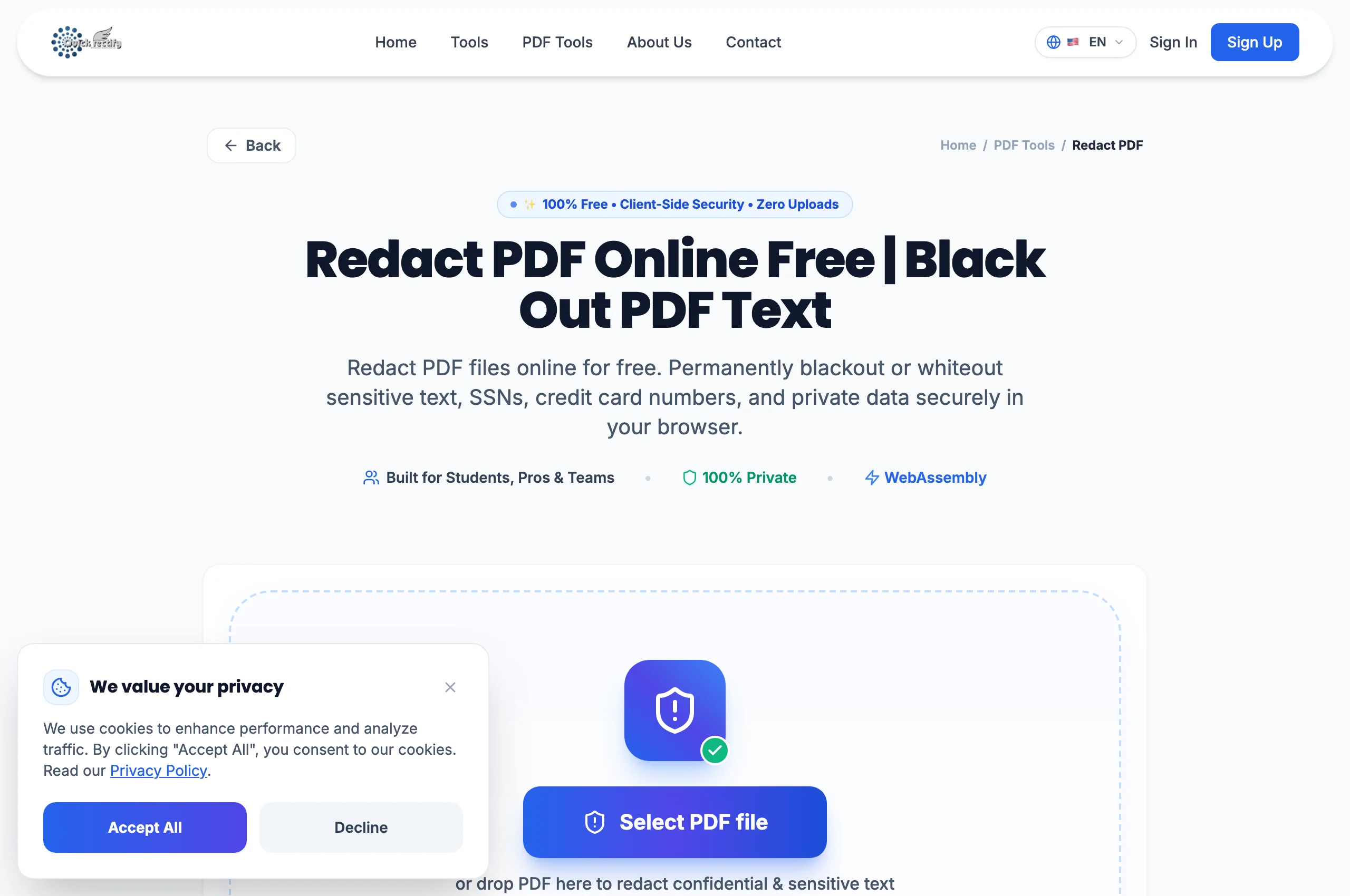
Interactive Redact PDF studio with inspection tools and canvas controls.
Figure 1: Interactive Redact PDF studio with inspection tools and canvas controls.
⚠
Pro Tip: Use the zoom tool to zoom in on fine legal clauses or account number strings before applying boxes.
2

Draw Redaction Boxes Over Confidential Data

Click and drag over names, financial figures, tax IDs, or sensitive paragraphs. A high-contrast blackout box will lock onto the designated area. You can resize or delete any pending redaction box before finalizing.

Applying visual redaction boxes over confidential text strings.
Figure 2: Applying visual redaction boxes over confidential text strings.
⚠
Pro Tip: Ensure redaction boxes cover the entire height of the text including descenders (like "g", "y", "p") and ascenders.
3

Burn Redaction and Download Sanitized Document

Click "Apply Redactions". The engine purges the underlying character codes, removes font references, cleans up the xref table, and flattens the blackout box into the image layer permanently. Download the sanitized PDF.

Sanitized PDF downloaded with zero recoverable underlying data.
Figure 3: Sanitized PDF downloaded with zero recoverable underlying data.
⚠
Pro Tip: Test the downloaded PDF in any viewer by pressing Ctrl+F (or Cmd+F) to verify that the redacted words can no longer be located.

Troubleshooting Common Operational Issues

• Can someone copy the text behind the black box in the downloaded file?

No. QuickRectify does not place cosmetic vector shapes on top of text. It deletes the actual glyph codes and flattens the area, making underlying text permanently unrecoverable.

Security & Client-Side Sandbox Guarantee

Zero-Knowledge Processing Architecture

Adheres to NIST SP 800-88 sanitization standards. Zero document content is ever transmitted across the internet.

Direct Access

Launch How to Permanently Redact PDF Files

Open Tool →
Verified Answers

Frequently Asked Questions

Does this also remove document metadata and author comments?

Yes. QuickRectify scrubs author metadata, editing history, and annotation comments during the sanitization routine.

QuickRectify In-Browser Engine

Ready to Take Action on Your Documents?

Experience zero-upload client-side WebAssembly processing. Convert, compress, merge, and edit with guaranteed privacy.

Free Online Utility: Redact PDF Sensitively

Redact PDF Online Free →