
Ready to use this tool now?
Execute operations 100% locally in your browser with zero file uploads and instant results.
Step-by-Step Operational Instructions
Follow the verified workflow below to operate the QuickRectify Complete Step-by-Step Guide: Repairing Damaged & Corrupted PDFs engine with complete precision and security.
Upload the Damaged or Unreadable PDF
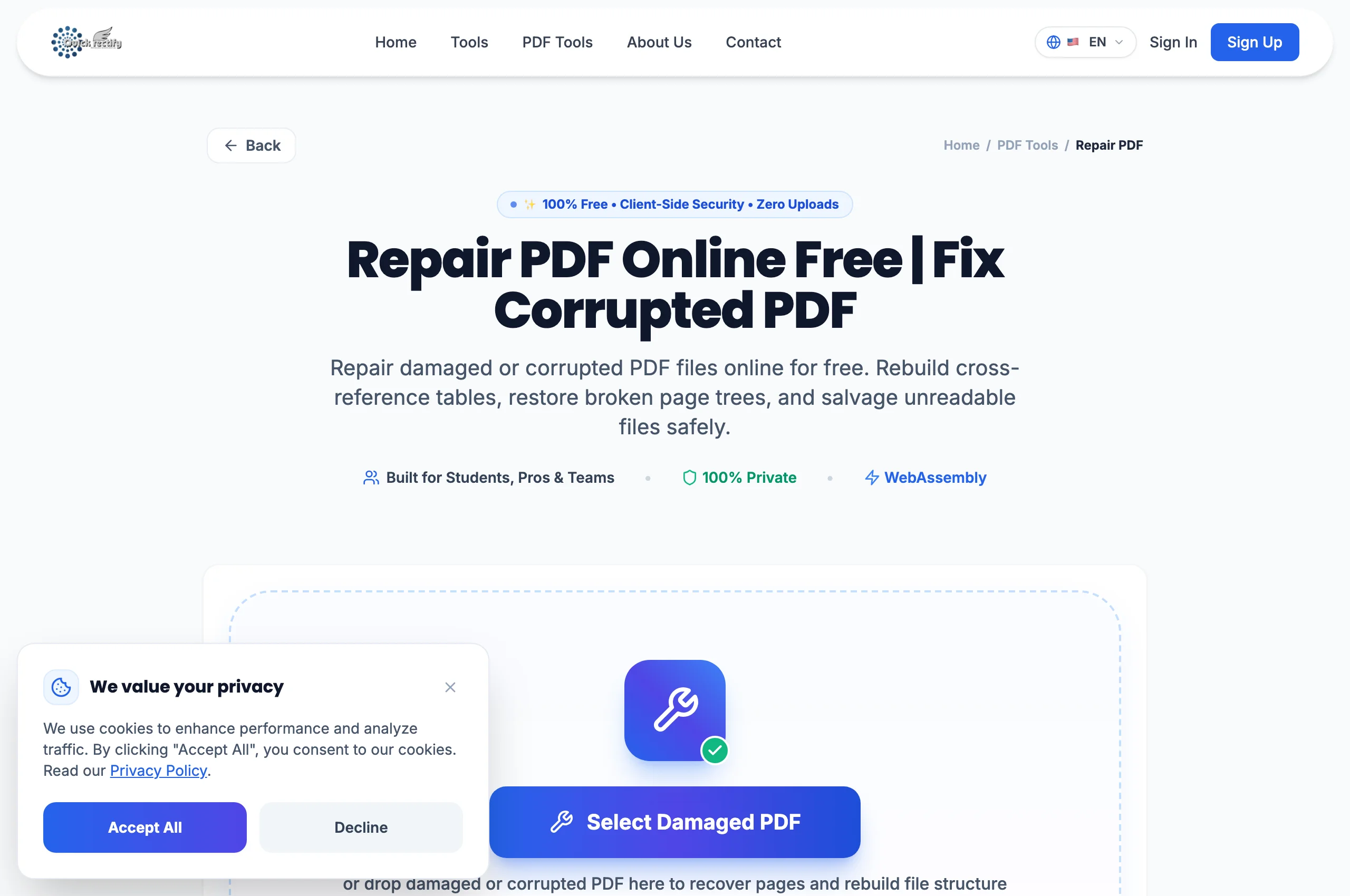
Open the Repair PDF tool and drag the damaged file into the upload zone. QuickRectify initiates low-level byte stream analysis to detect structural integrity faults.
Initiate Structural Analysis & Stream Recovery
Click "Repair PDF". The recovery algorithm traverses raw byte offsets, identifies isolated dictionary tokens (`<< ... >>`), restores unclosed stream objects, and reconstructs the main page index.
Download Restored Healthy PDF
Once cross-reference pointers are rebuilt and syntax errors resolved, QuickRectify compiles a pristine, standardized PDF structure ready for single-click download.
Troubleshooting Common Operational Issues
• The repair tool reports that no readable PDF objects could be found.
The source file is either a zero-byte empty file or was overwritten with non-PDF data (such as HTML error pages saved with a .pdf extension).
Security & Client-Side Sandbox Guarantee
File restoration occurs entirely in your browser memory without exposing proprietary contents.