
Ready to use this tool now?
Execute operations 100% locally in your browser with zero file uploads and instant results.
Step-by-Step Operational Instructions
Follow the verified workflow below to operate the QuickRectify Complete Step-by-Step Guide: Rotating PDF Pages Permanently engine with complete precision and security.
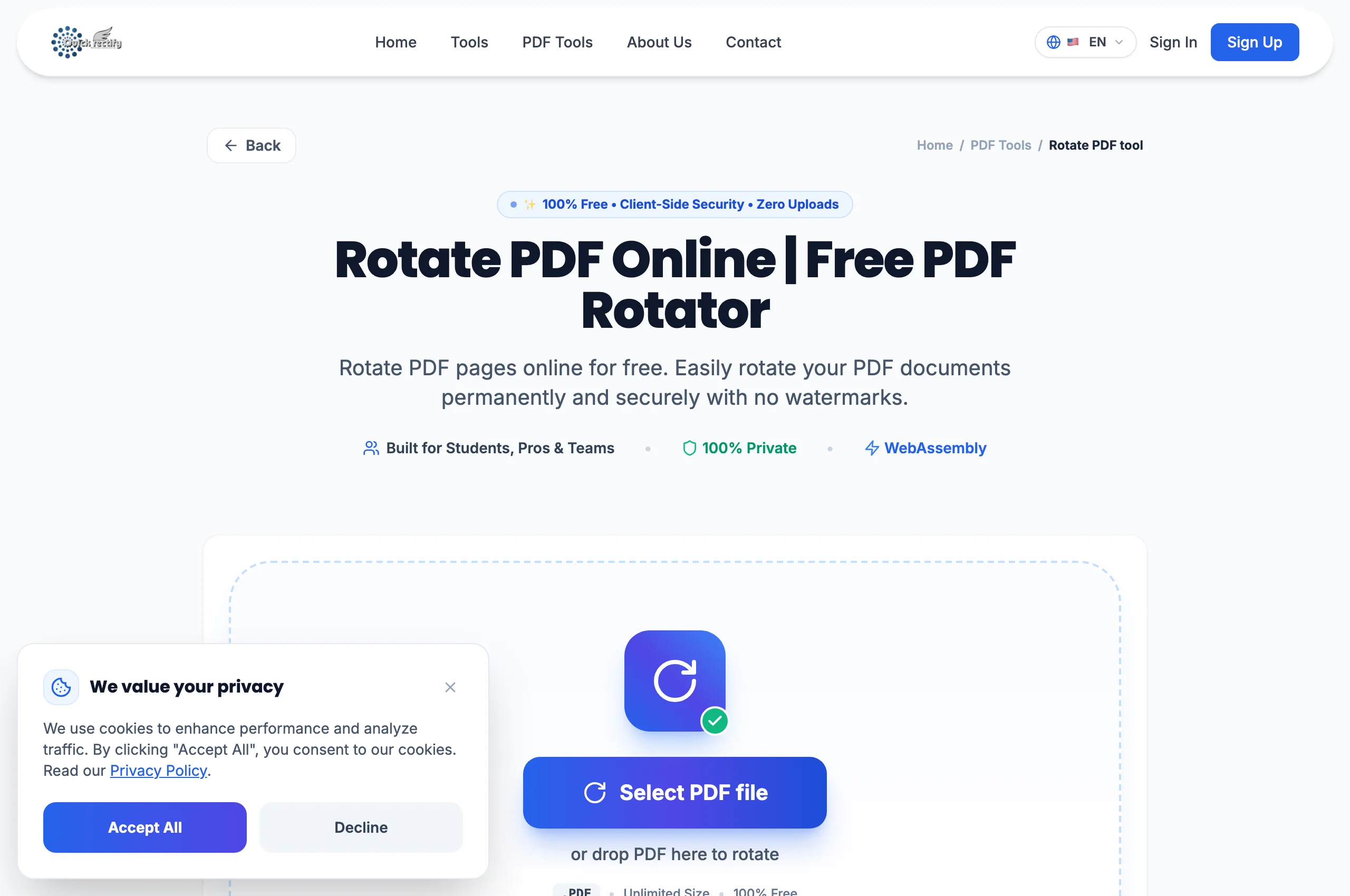
Open the Rotate PDF Utility
Navigate to Rotate PDF and drop your document. QuickRectify inspects the current rotation angle of each page and renders visual previews.
Choose Rotation Angle & Page Scope
Select "Rotate All" to turn the entire document by 90°, 180°, or 270°, or click the rotate button on individual page cards to fix only the crooked sheets.
Save and Download Permanently Rotated File
Click "Apply Rotation". The tool writes the new orientation directly into the PDF page dictionary. Download your file and open it in any reader to verify correct presentation.
Troubleshooting Common Operational Issues
• Why does my PDF look rotated in some apps but upright in others?
Some viewer apps only apply temporary session view rotations. QuickRectify writes the permanent `/Rotate` entry into the document structure so it appears upright everywhere.
Security & Client-Side Sandbox Guarantee
Rotations execute purely within local browser RAM with zero external server dependencies.