
⚡ Free Online Utility
Need to Sign PDF Document right now?

Skip the tutorial and process your documents directly in your browser with zero file uploads, no sign-up, and 100% privacy.

Sign PDF Online Free →
Tool Walkthroughs 4 min read Updated September 2026

Complete Step-by-Step Guide: Signing PDF Documents In-Browser

Sign contracts, lease agreements, and NDAs with legal validity by drawing, typing, or uploading a high-resolution signature directly onto any page.

Rahul Das
Rahul Das
Lead Document Systems Architect
← Back to Guides
Key Takeaways & Summary
  • ✓ Draw smooth vector signatures on touchscreens, trackpads, or mice with pressure smoothing.
  • ✓ Type signatures with calibrated legal script typography or upload scanned signature stamps.
  • ✓ Freely position, scale, and rotate signatures on any page before finalizing the document.
Interactive WebAssembly Tool

Ready to use this tool now?

Execute operations 100% locally in your browser with zero file uploads and instant results.

Open SIGN PDF →

Step-by-Step Operational Instructions

Follow the verified workflow below to operate the QuickRectify Complete Step-by-Step Guide: Signing PDF Documents In-Browser engine with complete precision and security.

1

Open the Document in Sign PDF Workspace

Launch the Sign PDF tool and select the contract, lease, or form you need to endorse. The document viewer loads all pages with high-fidelity rendering.
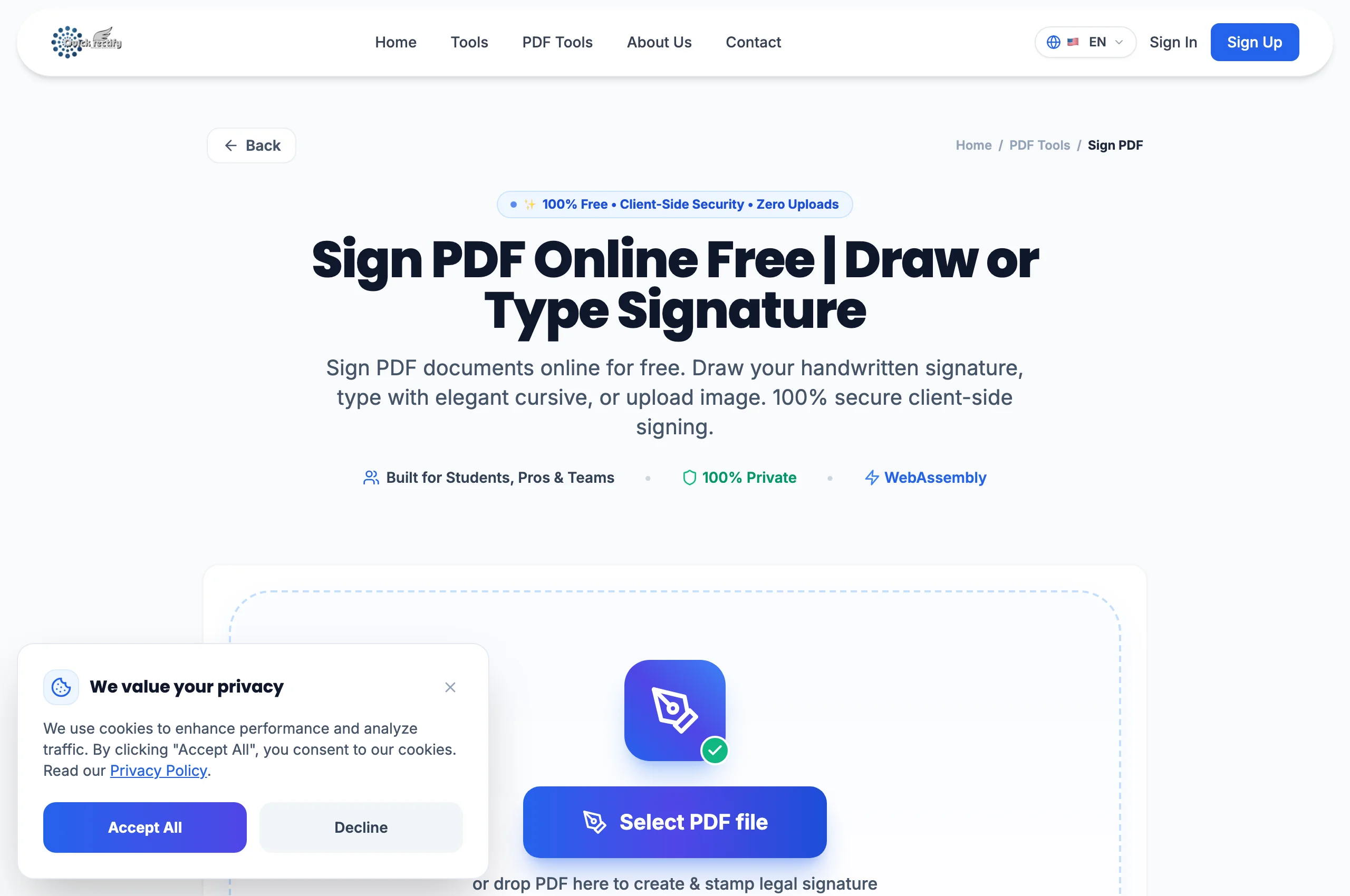
Interactive PDF viewer and signature creation studio.
Figure 1: Interactive PDF viewer and signature creation studio.
⚠
Pro Tip: Scroll to the target signature line on the document before launching the signature creation modal.
2

Create or Upload Your Signature

Choose your signature mode: "Draw" (use your mouse, trackpad, or finger), "Type" (enter your name for an elegant cursive font), or "Upload" (select a transparent PNG of your actual handwritten signature).

Signature canvas studio supporting drawing, typing, and image upload modes.
Figure 2: Signature canvas studio supporting drawing, typing, and image upload modes.
⚠
Pro Tip: Use touch devices or stylus pens for the most natural handwritten fidelity.
3

Place, Resize, and Flatten the Signed PDF

Drag your signature onto the signature line. Use the corner handles to scale proportionally. Once satisfied, click "Apply & Download". QuickRectify flattens the signature into the vector content stream.

Precise signature placement, scaling, and one-click flattening.
Figure 3: Precise signature placement, scaling, and one-click flattening.
⚠
Pro Tip: Flattening prevents recipients from extracting or moving your signature independently of the document text.

Troubleshooting Common Operational Issues

• My uploaded signature image has an ugly white box around it.

Use a transparent PNG image with an alpha channel, or use the "Draw" tab to create a pristine vector signature directly on the canvas.

Security & Client-Side Sandbox Guarantee

Zero-Knowledge Processing Architecture

Your signature and legal documents never leave your local computer. Unlike cloud signature services that store your contracts, QuickRectify guarantees absolute privacy.

Direct Access

Launch How to Sign PDF Documents Online

Open Tool →
Verified Answers

Frequently Asked Questions

Are signatures created with QuickRectify legally binding?

Yes. In the United States under the ESIGN Act and the UETA, and in the EU under eIDAS (Simple Electronic Signature), electronic signatures placed with intent to sign carry legal force.

QuickRectify In-Browser Engine

Ready to Take Action on Your Documents?

Experience zero-upload client-side WebAssembly processing. Convert, compress, merge, and edit with guaranteed privacy.

Free Online Utility: Sign PDF Document

Sign PDF Online Free →